No InDesign Required
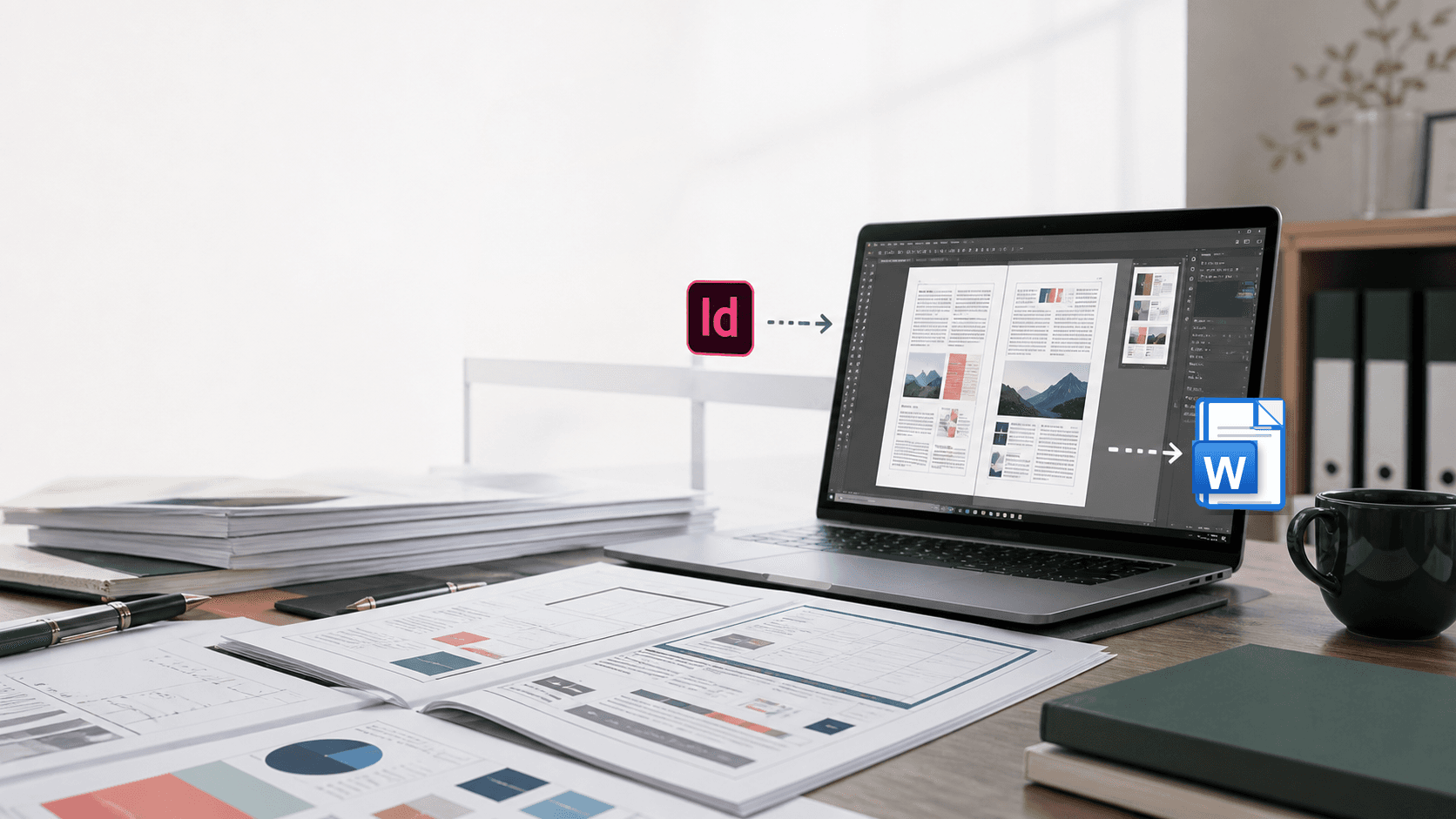
Convert INDD files directly to Word without installing or subscribing to Adobe InDesign.
INDD Converter for Mac
Convert INDD documents into high-quality, editable DOCX files — while preserving layouts, formatting, and high-resolution graphics.
14-day free trial · No credit card required
Before / After
Why INDD Converter
Convert INDD files directly to Word without installing or subscribing to Adobe InDesign.
Convert complex, multi-page InDesign documents quickly — without rebuilding them manually in Word.
Preserve layouts, text formatting, tables, text boxes, images, and positioning in an editable DOCX file.
Maintain high-quality graphics and images throughout the conversion process.
Automatically handle linked Photoshop and Illustrator assets without manually converting or replacing them.
How it works
Get the INDD file from InDesign
Use the InDesign document (.indd) as it is, or ask your designer for the package with its linked images. No InDesign on your own Mac is needed.
Drop files into INDD Converter
Add one document or a whole folder. The app reads the original images, including PSD and AI files, from the Links/ folder next to the INDD.
Open your DOCX in Word
Each document becomes an editable DOCX with layout, text, tables and high-resolution images in place. Review it and share it.
Conversion is performed locally. Your INDD files, images, and converted DOCX documents are never uploaded to our servers.
Pricing
Individuals evaluating the app
$0 / 14 days
No credit card required
Recommended
Freelance designers and solo editors
$59 / year
or $6.99 / month
Publishing teams and design agencies
$199 / year
Includes 3 seats · extra seat $50 / year
Prices in USD, tax included where applicable. Plans renew yearly, cancel anytime. Manage your license, keys and devices in the license portal.
Download
Apple silicon · macOS · Free 14-day trial included
Already bought? Sign in to the license portal to get your key, then enter it in the app. See the installation guide for system requirements and setup steps.
FAQ
No. INDD Converter reads INDD files directly — you only need the InDesign document (.indd) itself, with no export step. Keep the document's Links folder next to the INDD file: the converter reads the original images (including PSD and AI files) from that Links/ folder so they appear at full resolution in the DOCX.
INDD is Adobe InDesign's native document format — the file your designer works in. It carries the full document structure: pages, frames, text, styles, tables and image links. INDD Converter reads it directly, so nothing needs to be exported from InDesign first. Documents saved by InDesign 8.0 (CS6) through 21.6 are supported.
The trial gives you every feature for 14 days or 100 converted pages, whichever comes first, with no credit card required. When it ends, subscribe to the Pro plan ($59 / year or $6.99 / month) and enter the key in the app to keep converting without limits.
INDD Converter is a native Mac app for Apple silicon (M-series) Macs running a current macOS. It reads INDD documents saved by InDesign 8.0 (CS6) through 21.6.
InDesign and Word use different layout models, so the converter rebuilds the document rather than tracing it pixel for pixel. Layout, text formatting, tables, text boxes and images are preserved as closely as Word allows; unusual InDesign effects, missing fonts or plug-in content may need a quick review.
Text keeps its font names, sizes and styles. Word displays them with the fonts installed on your computer, so install the document's fonts for the most faithful result.
No. Conversion runs entirely on your Mac. The app only contacts our server to activate and periodically validate your license, and it keeps working offline for up to 7 days between checks.
A Pro plan activates up to 2 Macs. Replacing a machine? Release the old device in the license portal and activate the new one — no extra purchase needed. Team plans include 3 seats (more can be added), and admins can release devices and reassign licenses remotely from the team dashboard.
Yes — within 14 days of your first purchase, no questions asked. Cancelling renewal keeps your license active until the end of the paid year. See the Refund & Cancellation Policy for details.
Yes. For large or unusually complex projects we offer professional conversion with manual review. Email robin@docsheim.com with the INDD package and your deadline for a quote.